 JPG to SVG Converter
JPG to SVG Converter
JPG to SVG Converter
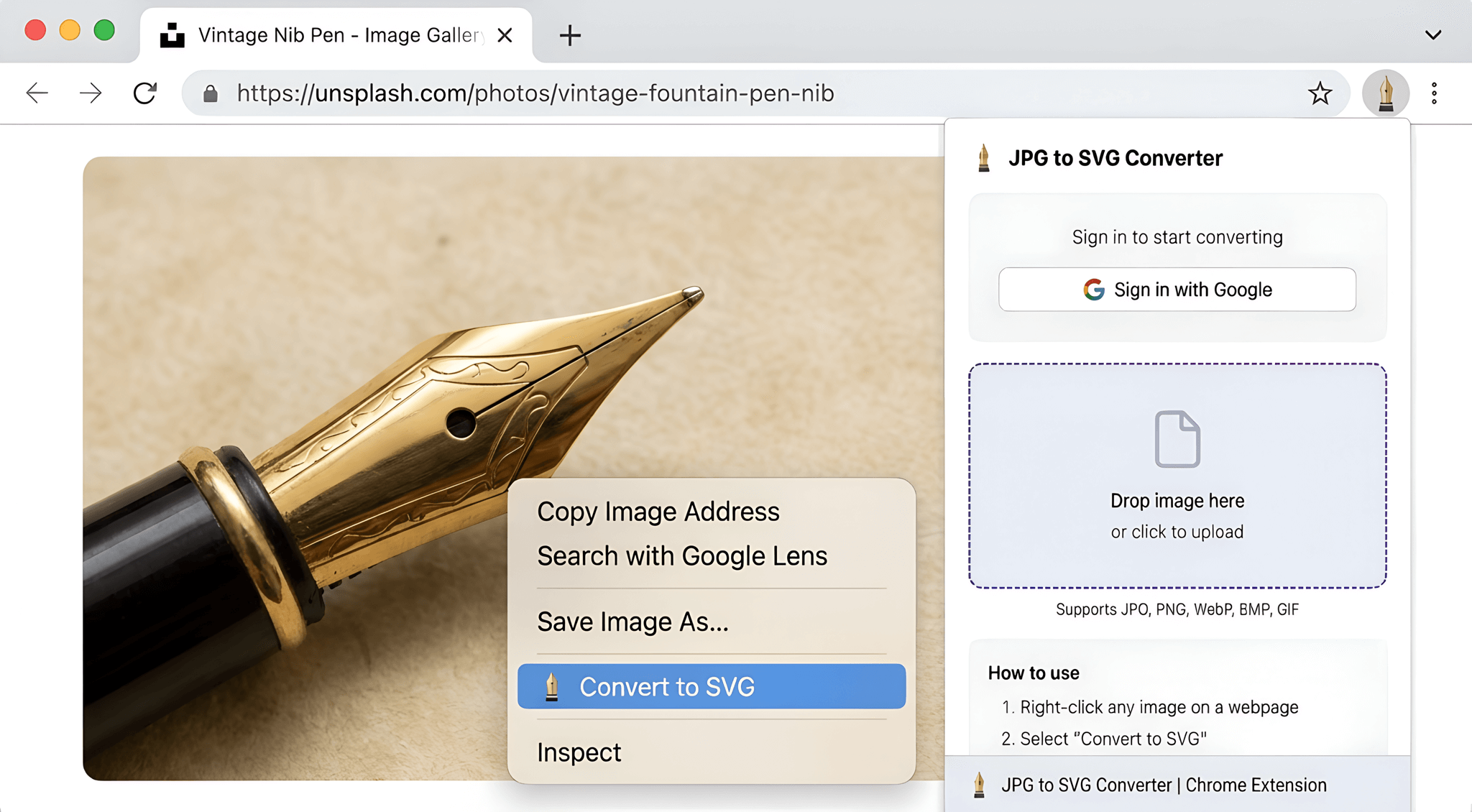
Supports PNG, WebP, BMP, and GIF images. Right-click or drag & drop to convert instantly in your browser.
(PNG, JPG, WebP)
(Available via Context Menu)
(Intuitively from your desktop)
From pixelated bitmap to crisp, scalable vector
Convert any image to SVG in 3 simple steps
Find any image on a webpage you want to convert
Choose the option from the context menu
Get your crisp, scalable SVG file instantly
Whether you're a designer, developer, or hobbyist
Vectorize logos & icons for crisp graphics at any resolution
Create lightweight SVG assets for faster web performance
Scale images to any size without losing quality
Prepare images for vinyl cutting & laser engraving
Start free, upgrade when you need more
SVG (Scalable Vector Graphics) is an XML-based image format that uses mathematical formulas to draw shapes. Unlike raster images (JPG, PNG), SVGs can be scaled to any size without losing quality, making them perfect for logos, icons, and graphics.
Vector images are resolution-independent, meaning they look sharp on any screen or print size. They're also typically smaller in file size and can be easily edited with design software. Perfect for responsive web design and high-quality printing.
Our converter supports all major image formats: JPG/JPEG, PNG, WebP, BMP, and GIF. Simply right-click any supported image on a webpage or drag & drop files directly into the extension popup.
Yes! You get 2 free conversions to try the extension. After that, you can choose from our affordable plans or purchase individual credits. No credit card required for the free tier.
Our AI-powered vectorization analyzes your image and traces the shapes, colors, and edges to create clean vector paths. This produces high-quality SVGs that maintain the essential details of your original image.
Yes, with our Pro plan you get a commercial license to use your converted SVGs in any project. Free and Starter plans are for personal use only.
Join 1,000+ users who trust our extension for their image conversions
Add to Chrome — Free to Start